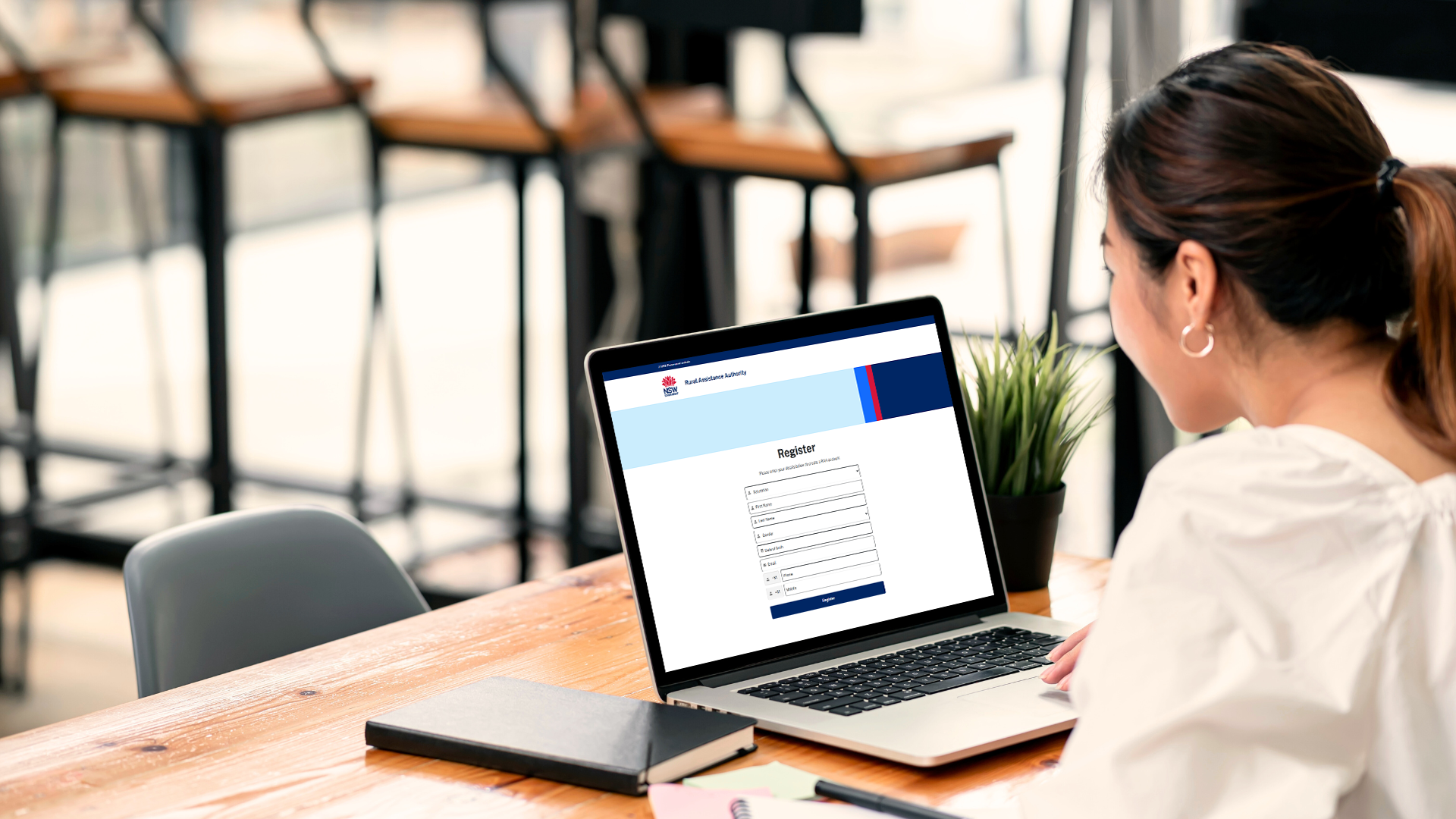
What is the RAA Portal?
In April 2026, the RAA introduced a new online customer portal, accessible via the RAA website.
This portal allows customers (and their authorised representatives) to:
- submit applications and claims securely online
- upload and manage supporting documents
- track assistance in one central place.
All new applications and claims must be submitted through the online portal.
To submit applications or claims on behalf of clients, you’ll first need to create an RAA Account.
What is an RAA Account?
By setting up an RAA Account, you will gain access to the RAA’s online portal, where we will securely store your details, so that you do not need to add these each time you want to submit an application or claim.
Once logged into your RAA Account, you can apply for RAA financial assistance programs quickly and easily, submit claims and track the progress of your submissions.
What do I need to set up an RAA Account?
All you need are some personal details and access to your email inbox or Service NSW account.
It’s important to know that each RAA Account is created for an individual. Every user must register with their own unique email address. Shared or duplicate email addresses (including business, partner, or family emails) cannot be used to register or log in for more than one person.
If your client currently shares an email address with someone else, they’ll need to create a personal email account before proceeding.
How do I set up an RAA Account?
Option 1: Register using your email (preferred method)
- Select Log In from the banner or menu.
- On the Log In or Register page, select Register.
- Enter your name, gender, date of birth, email address and phone number, then select Register.
- Check your inbox for an email from the RAA and click Activate my RAA Account.
- Read and accept the Privacy Collection Notice, then choose Complete Registration.
- Create your password, then select Change Password to confirm.
- You will be automatically redirected to your RAA Account homepage.
Option 2: Register using your Service NSW account
- Select Log In from the banner or menu.
- On the Log In or Register page, select Service NSW Log In.
- Sign in using your MyServiceNSW Account username and password.
- Once authenticated, you will be redirected back to the RAA portal.
- Enter your name, gender, date of birth, email address and phone number, then select Register.
- Read and accept the Privacy Collection Notice, then click Complete Registration.
- Create a password and select Change Password to confirm.
- You will be automatically redirected to your RAA Account homepage.
How do I submit a new application on behalf of a client?
Note: If you submit an application on behalf of a client, you will be able to view the information you submitted. However, you will not be able to track the application’s progress, as third parties cannot be linked to a Financial Account unless they are directly involved in that account.
To submit an application:
- Log In to your RAA Account using a desktop or laptop computer.
- On the Home tab, scroll down to the Submit an Application section.
- Select the grant or loan you wish to apply for and click Apply now.
- A new application form will open for you to begin.
- Progress through each step and enter the required information.
You will need to enter details relating to the applying entity and associated individuals.
Your name and email address will populate automatically as the individual completing the form.
You will also need to add your details and identify your relationship to the business as a Rural Financial Counsellor. - Once you have completed all steps, click Submit to lodge your application.
How do I submit a claim on behalf of a client?
Note: If you submit a claim on behalf of a client, you will be able to view the information you submitted. However, you will not be able to track the claim’s progress, as third parties cannot be linked to a Financial Account unless they are directly involved in that account.
Once your client’s application has been approved, they will receive a contract number. You must obtain this contract number from your client before you can submit a claim on their behalf.
To submit a claim:
- Log In to your RAA Account using a desktop or laptop computer.
- From the menu, select Claims.
- Click Make a Claim to begin a new Claim Form.
Your name and email address will populate automatically. - Enter your client’s BP number and the Contract number for their approved application.
- Progress to Step 2 to enter claim details and upload copies of invoices.
You can enter the details of multiple invoices, if required. - Once you have completed all steps, click Submit to lodge your claim.
Where can I get assistance?
We want to make sure you’re well-equipped to support our mutual clients in navigating the RAA Portal.
Our website includes a range of helpful resources, including guidance on:
- Registering an RAA Account
- Submitting applications and claims
- Identity verification processes
- Managing portal tasks and requests
- Submitting a support request for additional help
You’ll also find frequently asked questions and downloadable resources that can be shared with clients and colleagues to support conversations and reduce follow‑up queries.
If you need further information, you can contact our team:
Phone: 1800 678 593
Email: rural.assist@raa.nsw.gov.au